

Playing Cards and Decks

Active filters

9 items
9 items

Playing cards and decks: discover a world of fun and magic

A deck of cards is a set of cards with unique designs used in a wide variety of card games.

Did you know there are different types of decks?

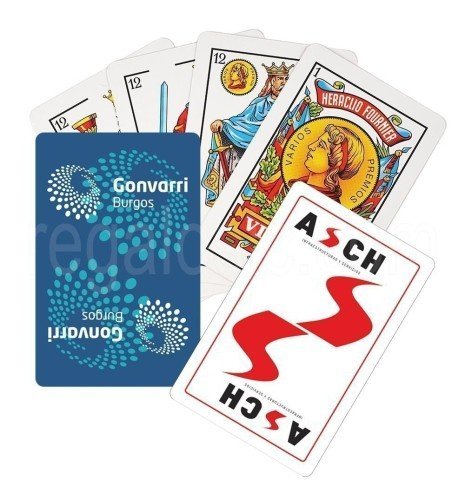
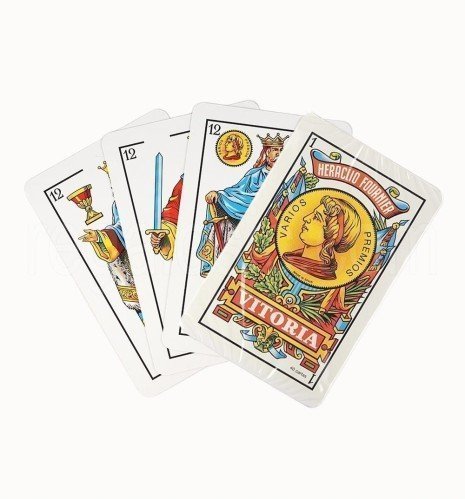
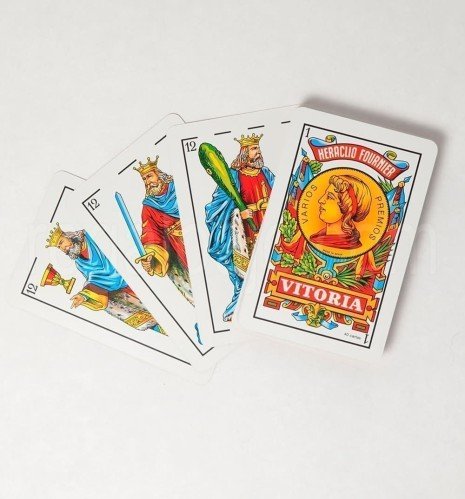
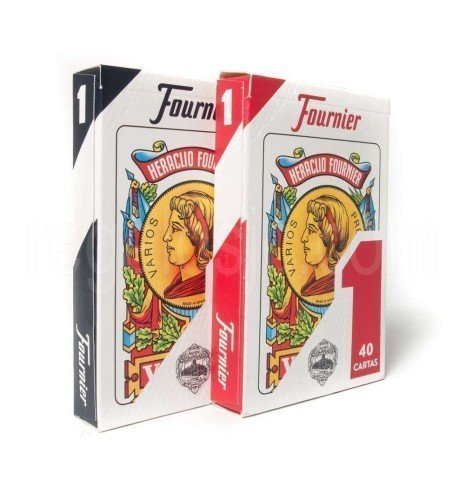
Spanish deck

It has four suits: oros (coins), copas (cups), espadas (swords) and bastos (clubs). Depending on the number of cards, each suit has between seven and ten numbered cards and three face cards, usually the King, the Knight and the Jack. One of the most popular is the 40-card Spanish deck, followed by the 50-card deck; both include number and face cards. Fournier decks are the most widely used.

The most popular card games in Spain

Tute, brisca, cinquillo, siete y media, escoba, Mus, pocha, julepe and zanga, and for children to join in there are mentiroso, burro, cuadrado and chúpate dos. And if you're on your own and bored, solitaire.

Personalised decks

If you want to give your games a unique touch, or even become a professional fortune teller, consider a personalised deck of cards. You can design your own cards with images and symbols that represent you, or order a themed deck that suits your taste. Imagine the surprise on your friends' faces when they play with your personalised deck!

Poker cards

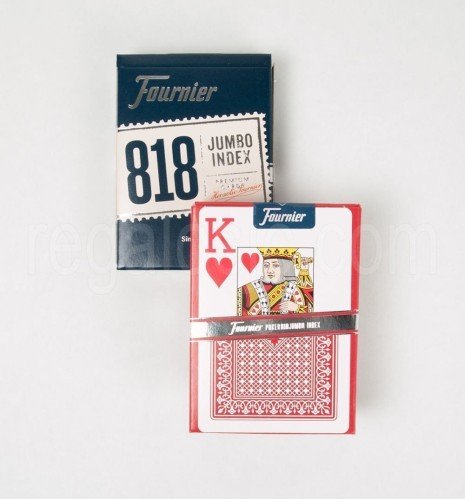
A 52-card deck designed with symbols and numbers, divided into four suits: hearts, diamonds, clubs and spades, each with 13 cards, of which 9 are number cards and 4 are letter cards.

Tarot cards

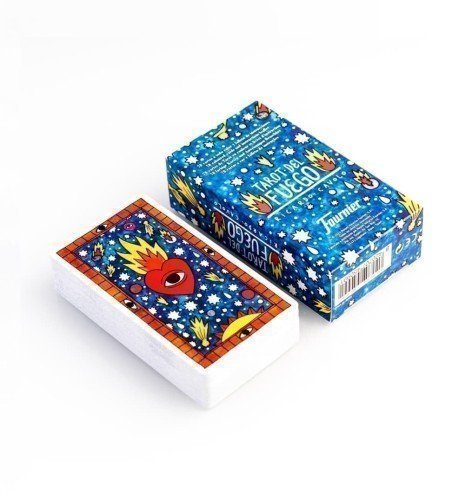
Tarot cards, or the Tarot, are a set of 78 cards used for divination, meditation and spiritual reflection. Often associated with predicting the future, the Tarot is in fact a versatile tool that can provide valuable insight into the present, the past and the path being taken.

Materials

Nowadays they are also made from materials such as plastic. Here you will find them made of sturdy card stock to withstand constant wear at the gaming table.

What are decks? Decks are sets of cards designed for playing a wide variety of games. The standard deck has 52 cards divided into four suits: hearts, diamonds, clubs and spades. But did you know there are different types of decks? One of the most popular is the 40-card Spanish deck, used in games such as Mus and tute. The variety of decks lets you enjoy exciting and varied games.

Want something even more personal?

Tell us about your project in detail. We are manufacturers with our own foundry: we bring your ideas to life (however wild they may seem).

Customer service

Call655 821 581WhatsAppLive chatContact usForm

Hours: Mon–Fri 8:00-14:30 | 16:00-18:00 (Spain time)

  1. Choose the product and its options (size, colour, finish).
  2. Click "Customise" to open the editor.
  3. Upload your image or logo from the IMAGE tab → Image (JPG/PNG; better quality = better result).
  4. Add text from the TEXT tab → enter your text (choose font, size and colour).
  5. Place and adjust: drag to move, use the corners to scale/rotate.
  6. Zones: keep text and logos inside the safe zone and extend backgrounds to the bleed.
  7. Layers: arrange them (front/back).
  8. Check the preview; fix anything if you see warnings (low resolution or cropping).
  9. Add to cart and complete your purchase.
  • Sharp images: if the editor warns of low resolution, upload a larger file or reduce its size on the canvas.
  • Easy alignment: turn on the guides to centre and square up elements.
  • Felt mats: if your design has fine lines, add a background underneath (solid shape) and increase the thickness.
  • Crest plaques/plaques: respect the text plate and the porcelain shape (fill up to the edge/bleed).
  • Laser engraving: only available on quote.
  • Mobile: hold your phone upright to see all the options, or sideways to see it bigger.

These options appear in the three-dot menu of the selected object. They are shortcuts to get your design perfect in seconds.

  • Bring to front: places the element on top of the rest. Useful when text is hidden behind an image.
  • Send to back: sends the element underneath. For backgrounds or images that should not cover text or logos.
  • Centre horizontally: aligns the object to the centre on the X axis within the design area.
  • Centre vertically: aligns the object to the centre on the Y axis within the design area.
  • Centre in container: centres the object both horizontally and vertically in one go.
  • Duplicate: creates an exact copy of the element (ideal for repeating logos in corners or creating symmetry).
  • Clip image: fits/crops the image to the limits of the area or mask so it does not stick out.

Mistakes it avoids:

Text hidden behind images → Bring to front.

Photos covering plates → Send to back.

Objects "almost centred" → Centre H/V or Centre in container.

Backgrounds sticking out → Clip image.

  • "Low-resolution image" → replace it with a larger one or make it smaller in the design.
  • "Object outside the safe zone" → move or shrink it. Avoid text right at the edge.
  • "Unsupported format" → use JPG/JPEG (photos), PNG (if you don't want a background) or SVG (vector logos).
  • No visible change after adding a background → check Layers and bring the right element to the front.

Click "Need help?" on the product page or use the contact form and tell us the product and what you want to achieve, and attach your files. We will suggest improvements if we think they are needed.

Your shopping cart is empty.
Order Summary
Subtotal:
€0.00
Shipping:
Total(tax incl.):
€0.00
Total (tax excl.):
€0.00
Included taxes:
€0.00
Sign in and register
Already a customer? Sign in:

We are here for you

Opening hours

Monday to Friday
8:00-14:30 | 16:00-18:00

Want to contact us?

Our contact form is ready to answer any question you have

Chat with us on WhatsApp

Write to us and we'll reply as soon as possible.

Call us

+34 655 821 581
Available during business hours

Call our mobile

Available during business hours

Personalised Gifts Catalogue

Made in Spain: personalised plaques, pins, trophies, awards and custom-made gifts. No middlemen.