Commemorative Plaques

Active filters

27 items

Choose your plaque range

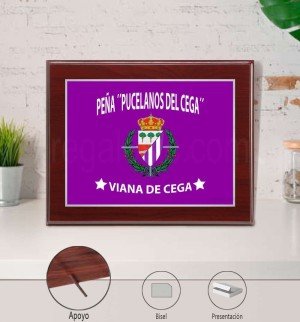
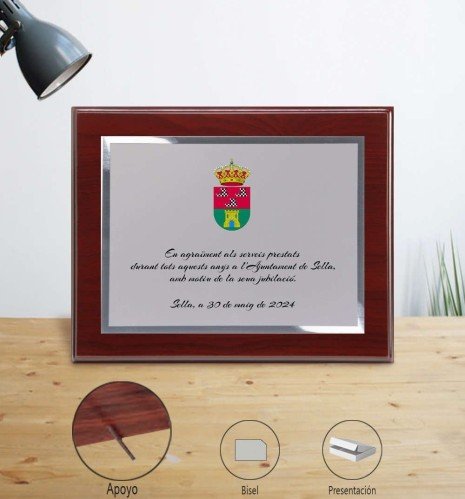
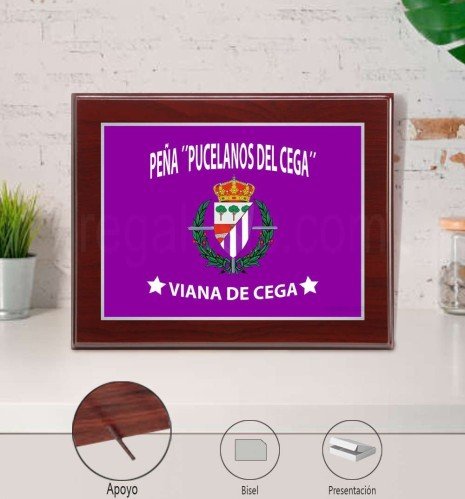
Personalised budget commemorative plaque for town councils
Economy

Mahogany finish with metal rod

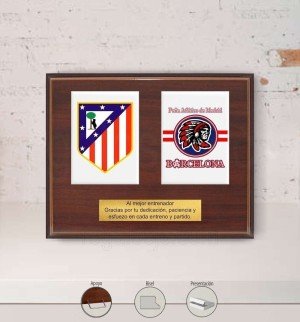
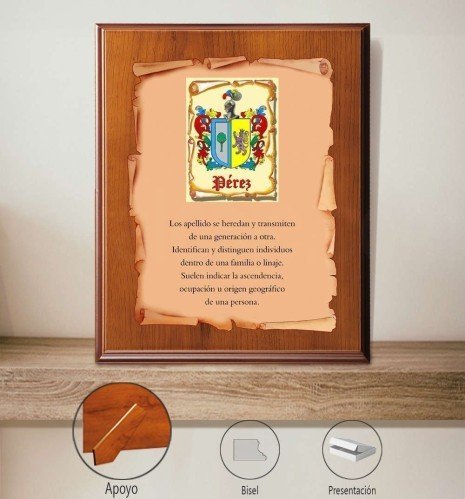
Commemorative plaque with straight-line bevel, walnut wood and U-shaped metal stand
Superior

Walnut finish with U-shaped metal stand

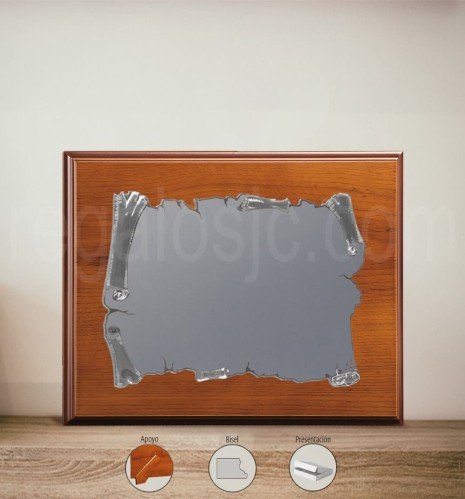
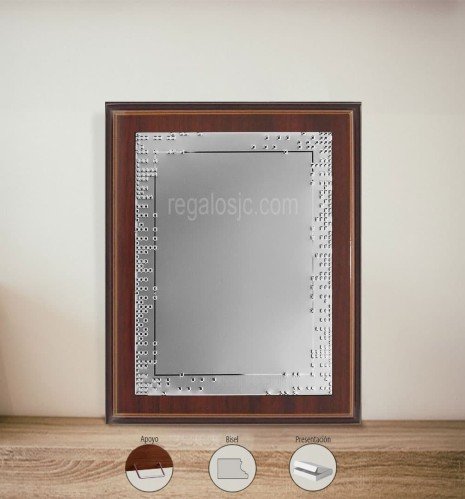
Premium commemorative plaque with wooden stand and customisable silver parchment
Premium

Walnut or oak finish with wooden stand

27 items

In short: personalised commemorative plaques on a wooden base, in aluminium or porcelain, with text, logo, crest or photo (depending on the model) printed by sublimation. Three ranges: Economy, Superior and Premium. Made in Spain by Regalos JC, from 1 unit, with standard delivery in 5–10 working days.

Personalised commemorative plaques for tributes, recognition and thanks. At Regalos JC, manufacturers since 1984, we turn a message into a lasting memory: retirements, teachers, anniversaries, companies, teams or any celebration. The same plaque works for different occasions: the occasion is defined by the text and the personalisation.

Choose your range

Range Wood Stand Material
Economy Mahogany Metal Aluminium
Superior Walnut Metal U-shaped Aluminium and porcelain
Premium Walnut or oak Wooden Aluminium and porcelain

Personalisation is the same in all three ranges. What changes is the wood, the stand and the plaque design. Compare the models in the “Choose your plaque range” block above.

Choose your material

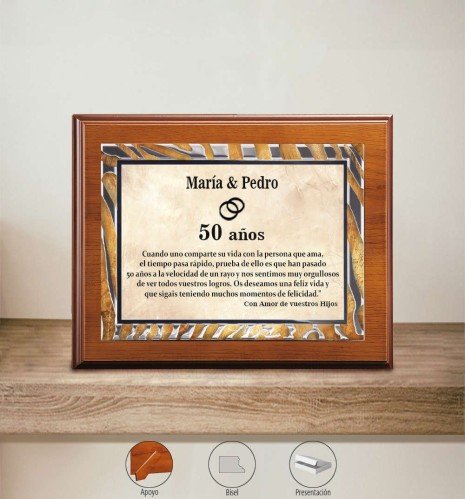
Aluminium plaques on wood

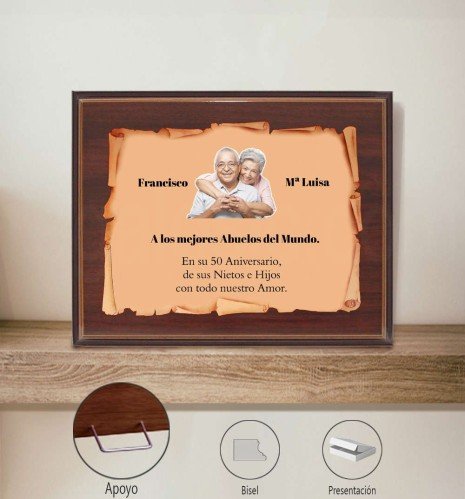
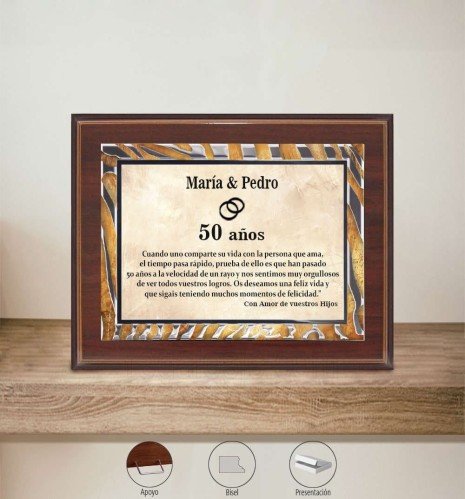
The most understated and versatile option, with a clean, professional style. There are modern designs (waves, dots, straight lines, marble effect) and classic ones (parchment, polished silver bevel). Personalised with text and, depending on the model, a logo or crest. We also have a round aluminium plaque on mahogany wood.

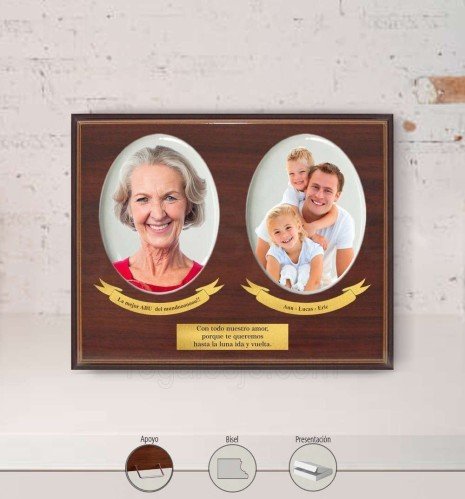
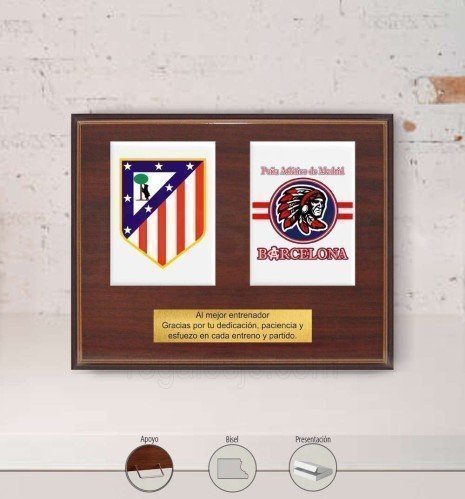
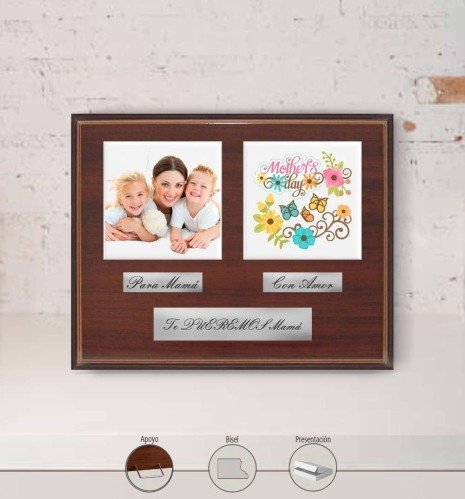
Porcelain plaques on wood

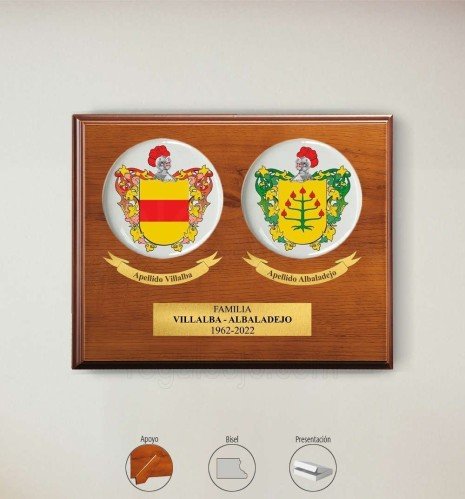
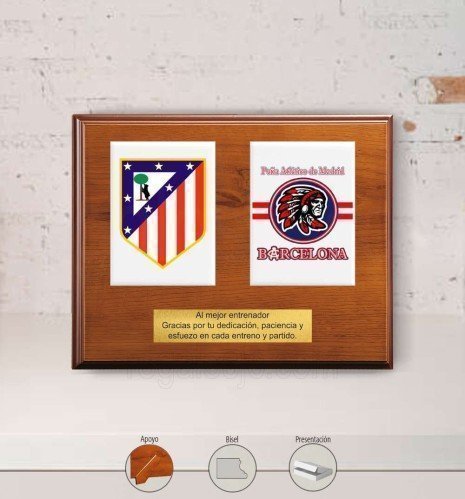
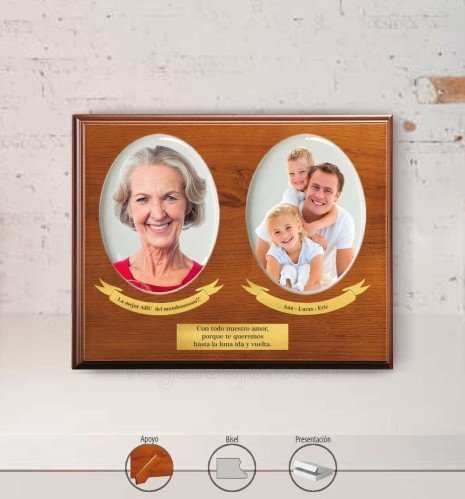
The most visual option: two porcelains with your photo, crest or logo in full colour. Available in round, oval, square and rectangular shapes. If you are looking for ceramic plaques with a photo, these are the ones.

How to choose your plaque in 30 seconds

  • If you want the best price: Economy range, in aluminium.
  • If you want an understated, versatile finish: see aluminium.
  • If you want a photo, crest or logo in full colour: see porcelain.
  • If it is a formal or institutional event: Premium range, with a wooden stand.

Personalisation and process

  1. Select your model and the range.
  2. Send us your text (and, if applicable, a logo, crest or photo) in the personalisation section.
  3. Review and preparation: we adjust the design for a clear, legible result.
  4. Manufacturing and delivery: we prepare your plaque and ship it.

Personalisation is not engraved: it is printed by sublimation. Plaques are delivered in a kraft cardboard box and come without a hanger or screws. They are suitable for indoors or covered outdoor spaces; outdoors, protect them from direct sun, rain and damp.

Lead times and minimum order

Standard manufacturing: 5–10 working days. Urgent service: 2–5 working days, plus shipping. Minimum order: 1 unit. Check our manufacturing and shipping times. If you need a size, shape or combination outside the catalogue, request a custom quote.

Frequently asked questions

What text or phrase should I put on a commemorative plaque?

Usually the name, the occasion (tribute, thanks or recognition), the date and a short phrase. Fewer lines read more clearly. If you like, we add a logo or crest (depending on the model).

Are they suitable for retirements, teachers, anniversaries and companies?

Yes. The plaque is the support: what changes is the text and the personalisation.

Can I add a photo?

Yes, on porcelain plaques: a photo, crest or logo in full colour. On aluminium it depends on the model.

Are the plaques engraved?

No. Personalisation is printed by sublimation, not engraved.

Can I order one urgently?

Yes. There is an urgent service of 2–5 working days, plus shipping.

Can I order a special design?

Yes. For shapes, sizes or combinations outside the catalogue, ask for a custom quote.


Want something even more personal?

Tell us about your project in detail. We are manufacturers with our own foundry: we bring your ideas to life (however wild they may seem).
  1. Choose the product and its options (size, colour, finish).
  2. Click "Customise" to open the editor.
  3. Upload your image or logo from the IMAGE tab → Image (JPG/PNG; better quality = better result).
  4. Add text from the TEXT tab → enter your text (choose font, size and colour).
  5. Place and adjust: drag to move, use the corners to scale/rotate.
  6. Zones: keep text and logos inside the safe zone and extend backgrounds to the bleed.
  7. Layers: arrange them (front/back).
  8. Check the preview; fix anything if you see warnings (low resolution or cropping).
  9. Add to cart and complete your purchase.
  • Sharp images: if the editor warns of low resolution, upload a larger file or reduce its size on the canvas.
  • Easy alignment: turn on the guides to centre and square up elements.
  • Felt mats: if your design has fine lines, add a background underneath (solid shape) and increase the thickness.
  • Crest plaques/plaques: respect the text plate and the porcelain shape (fill up to the edge/bleed).
  • Laser engraving: only available on quote.
  • Mobile: hold your phone upright to see all the options, or sideways to see it bigger.

These options appear in the three-dot menu of the selected object. They are shortcuts to get your design perfect in seconds.

  • Bring to front: places the element on top of the rest. Useful when text is hidden behind an image.
  • Send to back: sends the element underneath. For backgrounds or images that should not cover text or logos.
  • Centre horizontally: aligns the object to the centre on the X axis within the design area.
  • Centre vertically: aligns the object to the centre on the Y axis within the design area.
  • Centre in container: centres the object both horizontally and vertically in one go.
  • Duplicate: creates an exact copy of the element (ideal for repeating logos in corners or creating symmetry).
  • Clip image: fits/crops the image to the limits of the area or mask so it does not stick out.

Mistakes it avoids:

Text hidden behind images → Bring to front.

Photos covering plates → Send to back.

Objects "almost centred" → Centre H/V or Centre in container.

Backgrounds sticking out → Clip image.

  • "Low-resolution image" → replace it with a larger one or make it smaller in the design.
  • "Object outside the safe zone" → move or shrink it. Avoid text right at the edge.
  • "Unsupported format" → use JPG/JPEG (photos), PNG (if you don't want a background) or SVG (vector logos).
  • No visible change after adding a background → check Layers and bring the right element to the front.

Click "Need help?" on the product page or use the contact form and tell us the product and what you want to achieve, and attach your files. We will suggest improvements if we think they are needed.

Your shopping cart is empty.
Order Summary
Subtotal:
€0.00
Shipping:
Total(tax incl.):
€0.00
Total (tax excl.):
€0.00
Included taxes:
€0.00
Sign in and register
Already a customer? Sign in:

We are here for you

Opening hours

Monday to Friday
8:00-14:30 | 16:00-18:00

Want to contact us?

Our contact form is ready to answer any question you have

Chat with us on WhatsApp

Write to us and we'll reply as soon as possible.

Call us

+34 655 821 581
Available during business hours

Call our mobile

Available during business hours

Personalised Gifts Catalogue

Made in Spain: personalised plaques, pins, trophies, awards and custom-made gifts. No middlemen.